Padma Bridge Museum — specimen bookkeeping
A specimen-cataloging admin and public database for the Padma Bridge Museum — MERN stack, live at db.padmamuseum.gov.bd since 2024.
- Live
- Since 2024
- db.padmamuseum.gov.bd
By the numbers
- Shipped
- 2024
- Taxonomy fields
- 7
- Modules
- 6
- Inventory export
- xlsx
01The problem
The Padma Bridge Museum needed a way to catalog its biological and historical specimens — recording each entry with its taxonomy, species profile, photographs and provenance — and to give curators a way to pull inventory reports without a spreadsheet round-trip. It also needed to live on a Bangladesh government domain (`*.gov.bd`) with an admin-only login, which meant the build had to be both lightweight enough for that hosting environment and rigorous enough that government staff could trust the data.
02What we built
- 01
A specimen catalog with seven taxonomic fields (phylum to species), photograph upload via Multer, and CRUD wired through Redux Toolkit and a React 18 admin SPA.
- 02
A species profile resource — a parent record that groups specimens by species so curators can attach narrative content to a species and have every specimen of that species inherit it.
- 03
A JWT-protected role-aware admin app — protected routes wrapped React Router views, bcryptjs-hashed credentials and a server-side guard on every mutating endpoint.
- 04
Excel inventory export (xlsx) — curators pull a one-click XLSX dump of any specimen list (filtered by taxonomy or storage location) for printed records and external audits.
- 05
A migration utility on the API — an authenticated endpoint that runs bulk data import scripts, so the early load of historical records from offline registers could land safely without a re-deploy.
- 06
Deployed under the `db.padmamuseum.gov.bd` government subdomain — frontend served as a static React build, backend running Express + MongoDB behind the institutional reverse proxy.
- 07
A hierarchical specimen catalog with a data-mapping layer that links every digital record to its physical storage coordinate — curators move from a search result to the exact shelf without leaving the admin.
03Stack
Frontend
- React 18
- Create React App
- MUI 5
- Redux Toolkit
- react-router-dom v6
- react-hook-form
- axios
- sweetalert2
Admin + auth
- Protected routes
- JWT session
- Role gates
- react-responsive
- MUI x-date-pickers
- Redux Toolkit Query
- Image upload UI
- Excel export UI
Backend
- Node.js
- Express
- MongoDB
- Mongoose
- JWT
- bcryptjs
- Multer
- xlsx
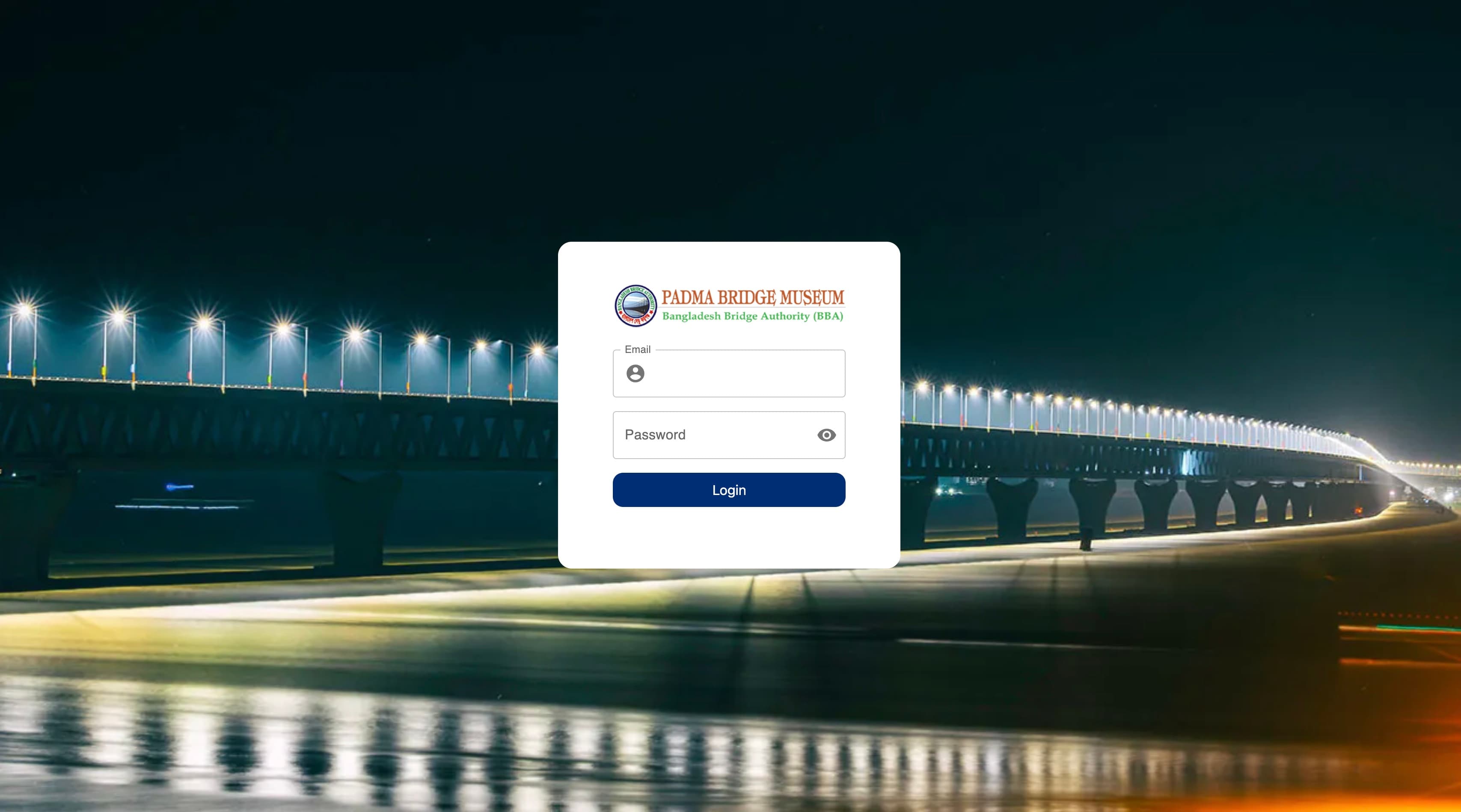
04Screenshots
05The hard part
The constraint that shaped most of the build was the deployment surface — a Bangladesh government `gov.bd` subdomain. That meant the frontend had to be a static React build that worked through an institutional reverse proxy, the backend had to be a single Node process under PM2, and there was no easy room for vendor lock-in. MongoDB stayed self-hosted, file uploads stayed local via Multer, and the only outbound dependency was an emailer for password resets. Lightweight by necessity, but the same constraint made the app survive every infrastructure change since.
The second decision was modelling the specimen-species relationship as two resources, not one. A species profile is a long-lived narrative record; an individual specimen is a row that points at a species and adds collection metadata. That split meant curators could update the species story once and have every specimen in that species reflect it — without rewriting hundreds of specimen records. Two years later the data model still holds, and the database has continued accepting new entries from staff who never saw the original mockups.
Your move
Want one built around your operation?
We take on a small number of custom engagements per year. If this looks close to a problem you have, tell us about it.